 Ayuda Trámites
The SEPE Área Personal (personal area) is your online space to apply for and check your unemployment benefits. The quickest way to log in is PIN SEPE, a code sent to you by text message. To change your details or bank account, you need a digital certificate, DNIe or Cl@ve Permanente with electronic signature.
How to log in to the SEPE personal area
Without a digital certificate: log in with PIN SEPE. You get a code by text message on the mobile number registered with your regional employment service. With PIN SEPE you can look at your information and send a presolicitud (pre-application), but you can't change anything.
With a digital certificate, DNIe (electronic ID card) or Cl@ve Permanente with electronic signature: you can also change your details, bank account, phone and email. Cl@ve is Spain's online ID system. You confirm each change with the button Firmar la solicitud (sign the request). SEPE recommends the digital certificate.
- Open the Área Personal. Go to the official SEPE page.
- Choose PIN SEPE. Enter your NIF or NIE and ask for the code.
- Enter the PIN. Type the code from the text message to log in.
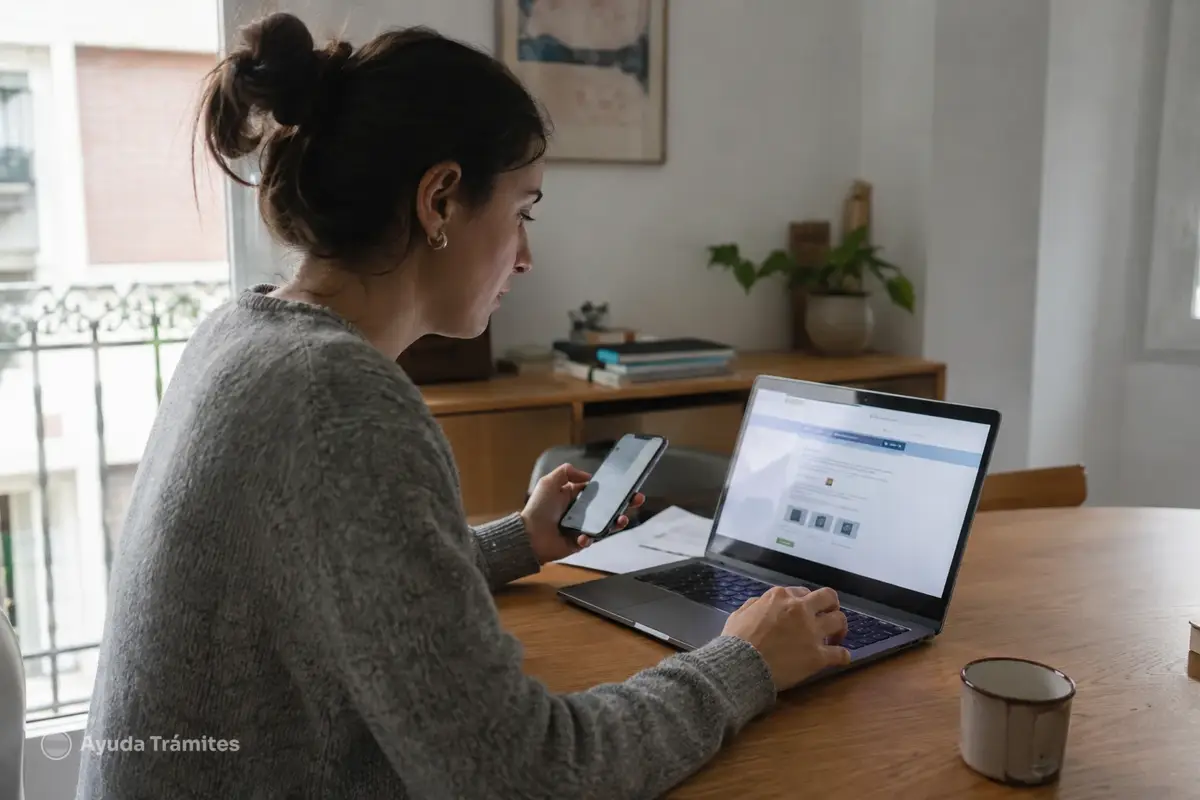
What you can do in the SEPE personal area
Everything here is free. Some options only appear if they apply to you.
- Apply for unemployment benefit or a subsidy, or extend a subsidy, with the presolicitud.
- Check your benefit and your payments from the last five years (menu Nóminas).
- Download benefit certificates.
- Change your bank account, phone or email (signature needed).
- Stop your benefit or report a trip abroad (only if your benefit status is ALTA or BAJA en CAE).
- Receive notifications from SEPE.
Common problems and how to fix them
The PIN text message doesn't arrive
It goes to the mobile number registered with your regional employment service. If you have changed numbers, update it with that service first. If two numbers are registered, it goes to the one marked as preferred.
It won't let me change my details or bank account
PIN SEPE only lets you look. Log in with a digital certificate, DNIe or Cl@ve Permanente with electronic signature, and confirm the change with Firmar la solicitud. See our guide to changing your bank account.
I can't find the presolicitud
Go to Gestiones (procedures) > Iniciar una gestión > Presolicitud prestación. It doesn't appear if, in the last seven days, you already sent one of the same type or had a SEPE appointment. With PIN SEPE you can send one per week.
The website gives an error
If the SEPE personal area won't load, try again a little later. If it keeps failing, see our guide to common SEPE problems. If your login method is the problem, see our digital certificate and Cl@ve guide.
I want to renew my jobseeker registration
That isn't done here. You renew your demanda de empleo (jobseeker registration) with your regional employment service. Only in Ceuta and Melilla does SEPE handle it. See our jobseeker registration guide.
I want to book an appointment
You can't book a cita previa (appointment) in the Área Personal. Use SEPE's appointment page or call 91 926 79 70. Our appointment guide shows you how.
Frequently asked questions
Where can I see how my presolicitud is going?
In Gestiones > Historial de presolicitudes (pre-application history).
Who checks my presolicitud?
A SEPE benefits officer reviews it before it goes ahead.
Why can't I see the options to stop my benefit or report travel?
They only appear if your latest benefit has the status ALTA or BAJA en CAE.
Is the old pre-application form still online?
No. It has been replaced by the presolicitud inside the SEPE Área Personal.
Official procedure
Official sources
These are the official sources for this guide:
- Área Personal del SEPE (sede electrónica) sede.sepe.gob.es
- Guía de uso del Área Personal del SEPE (PDF, sede electrónica) sede.sepe.gob.es
- Conoce el Área Personal del SEPE (noticia SEPE, 2026) www.sepe.es
- Presolicitud y Área Personal del SEPE (sede electrónica) sede.sepe.gob.es
- Solicitud de prestaciones (sede electrónica del SEPE) sede.sepe.gob.es
These links go to official websites. The procedure is free of charge.
Spotted something incorrect? Email us at info@ayudatramites.es.