 Ayuda Trámites
Expats often struggle with SEPE appointments, Spanish-only website navigation, digital ID errors, and payment delays. Solutions include using the online pre-appointment system, translating the site, verifying Cl@ve or certificate details, updating your address, and contacting SEPE directly for faster resolution.
Common SEPE Problems and How to Solve Them
Dealing with SEPE, Spain's Public Employment Service, can be a challenge for expats. The system can feel complex, the website is in Spanish, and getting an appointment can be tough. But don't worry. This guide covers the most common problems you will face and gives you practical solutions. We will show you how to fix issues with appointments, website navigation, identification, addresses, and delayed payments.
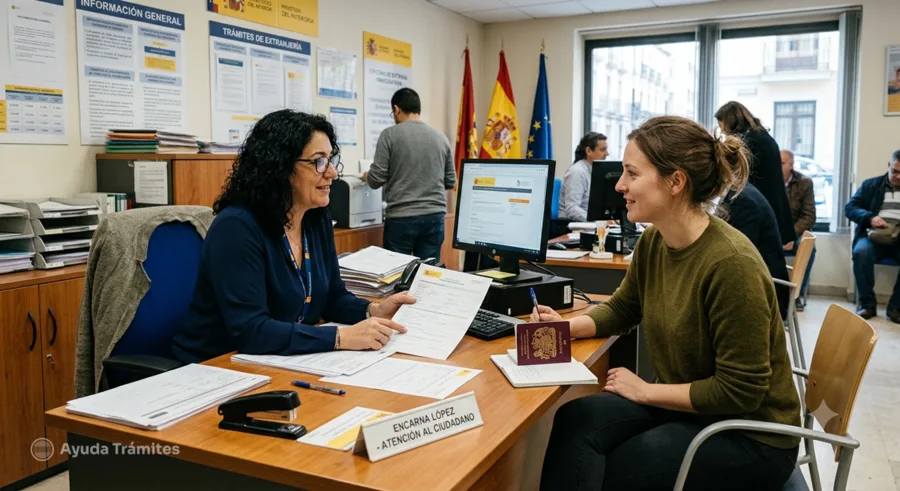
No Appointments Available
One of the biggest frustrations is finding no available appointments (cita previa). This is a common hurdle, especially in larger cities or during peak times. The appointment system is free of charge.
- Check online frequently. Availability often changes. New slots can appear at any time, especially early in the morning. Keep checking the SEPE online services page.
- Be flexible with locations. If your nearest office has no openings, check other SEPE offices in your province. Sometimes, a slightly longer commute can save you weeks of waiting.
- Use the online portal for specific tasks. Many procedures do not require a physical appointment if you have a digital certificate or Cl@ve. You can submit documents, check your benefit status, or update your personal data online. This is often the fastest way.
- Call the official phone number. While online is preferred, sometimes calling can yield results. The number is 060. Be prepared for long wait times and that staff may only speak Spanish.
- Consider your urgency. If your matter is truly urgent and you cannot get an appointment, you might need to visit an office in person during opening hours to explain your situation. However, this is not guaranteed to work and should be a last resort.
Always try to book your cita previa as soon as you know you need one. Delays can impact your benefit application deadlines. For more detailed tips on booking, visit our guide on How to Get a SEPE Appointment in Spain.
The SEPE Website is Only in Spanish
The official SEPE website is primarily in Spanish. This can be a barrier for non-Spanish speakers. While there is no official English version, you can still get the information you need.
- Use browser translation tools. Most modern web browsers (like Chrome, Firefox, Edge) offer built-in translation features. Right-click anywhere on the page and select "Translate to English" or similar. This is not perfect, but it will give you a good understanding of the content.
- Learn key vocabulary. Knowing a few essential Spanish terms will help you tremendously, even with a translator.
| Spanish Term | English Meaning |
|---|---|
| Cita Previa | Prior Appointment |
| Solicitar | To Apply / Request |
| Consultar | To Consult / Check |
| Prestación por desempleo | Unemployment Benefit |
| Subsidio por desempleo | Unemployment Subsidy (a different type of benefit) |
| Demanda de Empleo | Job Seeker Registration |
| Datos Personales | Personal Data |
| Certificado Digital | Digital Certificate |
| Cl@ve | Digital Identification System |
| Sede Electrónica | Electronic Headquarters (online portal) |
For a more extensive list of terms, check our Spanish Unemployment Terms Explained page.
Identification Errors with Cl@ve or Digital Certificates
Many online SEPE procedures require digital identification: either a digital certificate or the Cl@ve system. Errors here are common.
- Check your digital certificate's validity. Digital certificates expire. Make sure yours is current. If it expired, you must renew it.
- Verify your Cl@ve system. There are two main types: Cl@ve PIN (temporary, for one-time use) and Cl@ve Permanente (permanent, for regular access). Ensure you are using the correct one for the service you need. If you have issues, you might need to register again or activate it.
- Match your identification data. The name, NIE/DNI, and date of birth used for your digital identification must exactly match the data SEPE has on file for you. Even minor discrepancies can cause errors.
- Use the correct browser. Some digital certificate systems work best with specific browsers (e.g., Firefox or Chrome with specific configurations). Ensure your browser is updated.
- Check for system updates. Make sure your computer's operating system and browser are up to date. Sometimes, old software can prevent digital IDs from working correctly.
- Try an alternative. If one method fails, try the other. If your digital certificate is not working, try Cl@ve, and vice versa.
What to have ready before troubleshooting
Check these details before you try the SEPE service again:
- Valid Digital Certificate: Ensure it's installed correctly and not expired.
- Cl@ve Credentials: Have your username and password (for Permanente) or be ready to request a PIN (for PIN).
- NIE/DNI: Your identification number must be correct and match your SEPE records.
- Updated Browser: Use a recent version of Chrome, Firefox, or Edge.
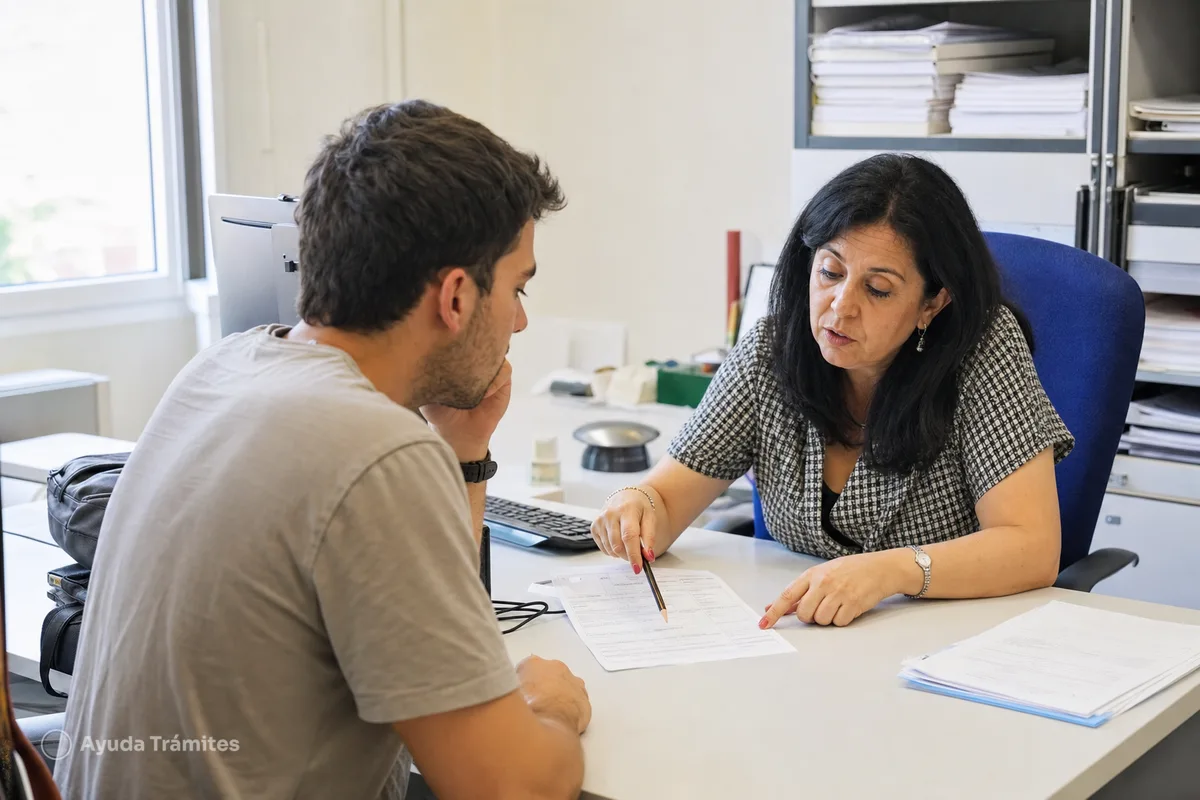
Missed Deadlines Because Letters Went to an Old Address
SEPE often communicates by postal mail. If you moved and did not update your address, you could miss important notifications, leading to missed deadlines or even suspension of benefits.
- Update your address immediately. This is critical. You must inform SEPE of any address change as soon as possible. You can do this online using your digital certificate or Cl@ve through the "Cambio de domicilio" (Address Change) service.
- Check your registered address online. Regularly verify that SEPE has your current address on file. You can usually find this in your personal data section on the SEPE electronic headquarters.
- Monitor your online notifications. Even if SEPE sends letters, they might also send notifications to your registered email or through the online portal. Check these regularly.
- Contact SEPE if you suspect a missed letter. If you think you missed an important communication, contact SEPE by phone (060) or through their online contact form to inquire.
It is your responsibility to ensure SEPE has your correct contact information. Not receiving a letter due to an outdated address is generally not an excuse for missing a deadline.
Payments Delayed
Benefit payments are usually processed on specific dates. If your payment is delayed, it can be stressful. SEPE benefits are typically paid between the 10th and 15th of each month. This is a free payment service.
- Check the payment date. Most unemployment benefits are paid between the 10th and 15th of the month. If it's before or exactly on these dates, the payment might still be processing.
- Verify your bank details. Ensure SEPE has the correct bank account number (IBAN) on file. Any error here will cause delays. You can check and update this through the SEPE online portal.
- Check your benefit status online. Use your digital certificate or Cl@ve to access your personal area on the SEPE website. Look for the "Consultar datos de tu prestación" (Consult your benefit data) section. This will show if the payment has been issued or if there are any issues.
- Contact SEPE directly. If the payment is significantly delayed beyond the usual dates, and your online status shows no issues, contact SEPE. You can use their online contact form or call 060. Be prepared with your NIE/DNI and benefit details.
- Review official FAQs. The SEPE FAQ page on benefits often has information on common payment issues.
When to Escalate in Person
While online and phone channels are convenient, some problems are best resolved in person. This is especially true for complex issues, repeated errors, or when you need clear explanations that are hard to get over the phone.
- When online solutions fail repeatedly. If you have tried all online solutions for appointments, identification, or data updates without success, an in-person visit is the next step.
- For complex benefit inquiries. If you have detailed questions about your benefit calculation, eligibility, or specific circumstances that are difficult to explain digitally, an in-person meeting allows for a more thorough discussion.
- If your benefits are suspended or cancelled. This is a serious issue. You need to understand why and what steps to take. An in-person visit can provide immediate clarity and allow you to present any necessary documentation.
- When you need to present original documents. Some procedures may require you to show original documents that cannot be verified online.
- If you have severe language barriers. If you struggle to communicate effectively in Spanish over the phone or in writing, bringing a Spanish-speaking friend or professional interpreter to an in-person appointment can be very helpful.
Remember that you almost always need a prior appointment (cita previa) to be seen in person at a SEPE office. Book this well in advance. For tips on booking, see our guide on How to Get a SEPE Appointment in Spain.
General Tips for Dealing with SEPE
Navigating SEPE can be less stressful with a few general strategies.
- Be patient. Government bureaucracy in any country can be slow. Give the system time to process your requests.
- Keep detailed records. Save copies of every document you submit, every form you fill out, and note down dates, times, and names of people you speak to. This is your proof.
- Learn key Spanish terms. Even a basic understanding of terms related to unemployment and benefits will help you understand forms and conversations. Our Spanish Unemployment Terms Explained page can help.
- Check official sources. Always refer to the official SEPE website for the most accurate and up-to-date information.
- Stay organized. Keep all your SEPE-related documents in one place.
Frequently asked questions
How can I check the status of my SEPE unemployment benefit application?
You can check your benefit status online through the SEPE Electronic Headquarters. You will need a digital certificate or the Cl@ve system to access your personal area. Look for the "Consultar datos de tu prestación" section to see the current status of your application and payments.
What if I don't have a digital certificate or Cl@ve for online SEPE procedures?
If you don't have a digital certificate or Cl@ve, you can still book a cita previa (prior appointment) to visit a SEPE office in person. For some basic inquiries, you might also be able to use the online contact form or call 060, though these methods are less secure for personal data.
Does SEPE send official communications in English?
No, all official communications from SEPE, including letters and online notifications, are in Spanish. It is your responsibility to understand them. You can use browser translation tools for the website or ask a Spanish-speaking friend to help you interpret letters.
What is the "demanda de empleo" and why is it important for my benefits?
The demanda de empleo is your registration as a job seeker with the public employment service. It is a mandatory requirement to receive unemployment benefits in Spain. You must maintain this registration and renew it periodically (usually every three months) to continue receiving payments.
My NIE changed from a temporary to a permanent one. Do I need to inform SEPE?
Yes, absolutely. Any change in your personal identification data, including a change in your NIE, must be communicated to SEPE as soon as possible. You can usually update this information online through the SEPE Electronic Headquarters using your digital certificate or Cl@ve, or by visiting an office in person after booking a cita previa.
Official procedure
Official sources
These are the official sources for this guide:
- Atención online del SEPE www.sepe.es
- Preguntas frecuentes sobre prestaciones (SEPE) www.sepe.es
These links go to official websites. The procedure is free of charge.
Spotted something incorrect? Email us at info@ayudatramites.es.